IMPORT in 6 steps:
1. Click right mouse button on your database, to which you want to load an extra table from Excel and choose tasks.

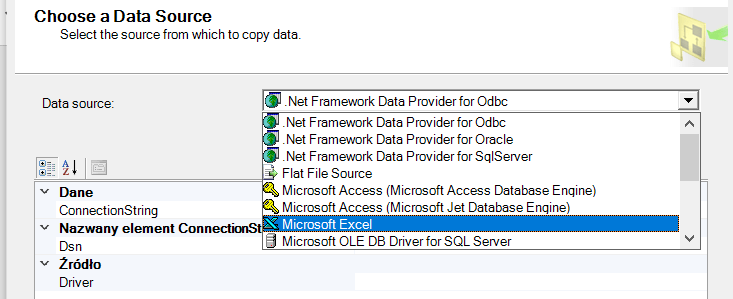
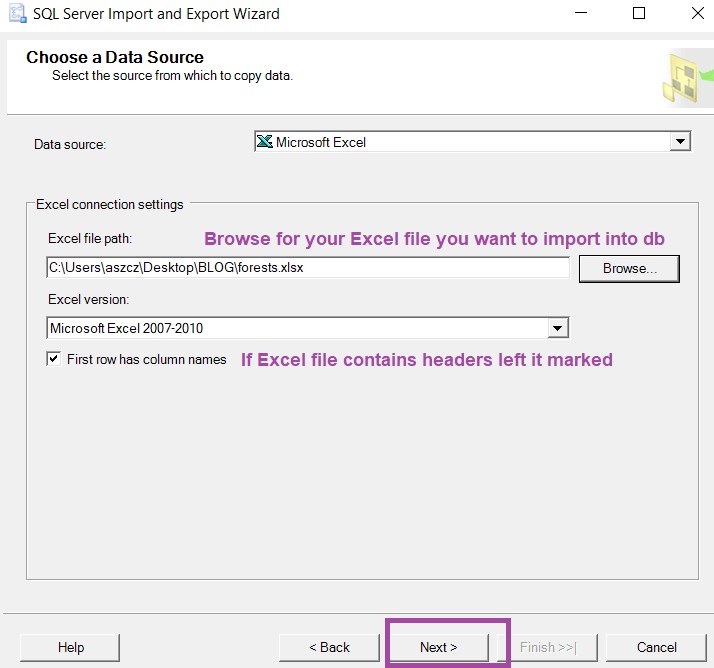
2. Choose data source: Excel
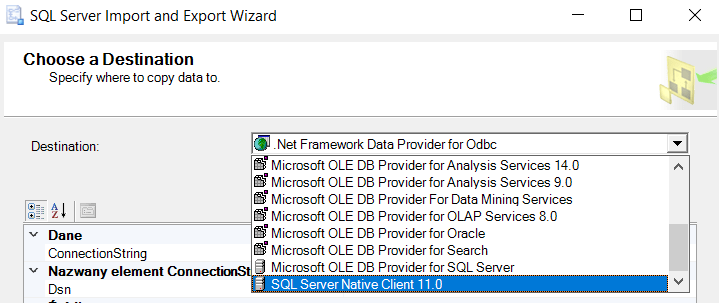
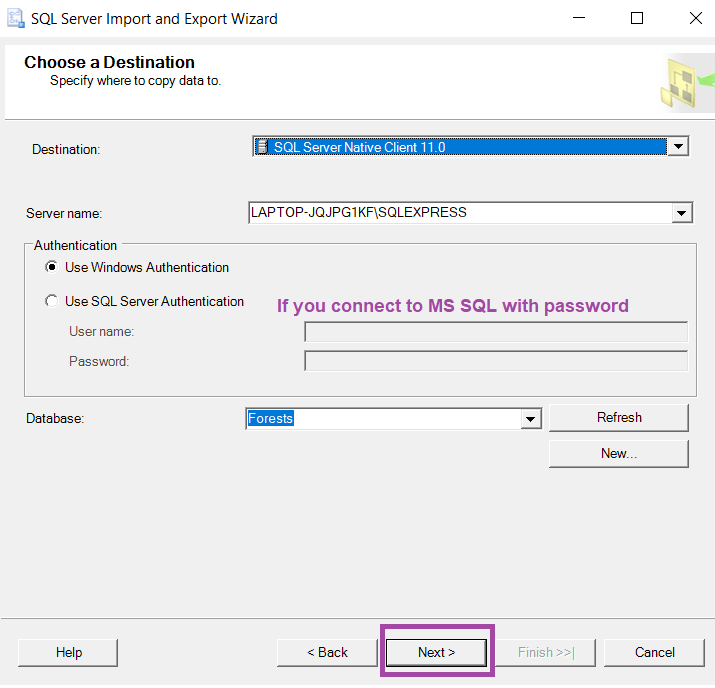
3. Choose our destination, which is MS SQL Server
4. And click first option: copy data from one or more table/views.
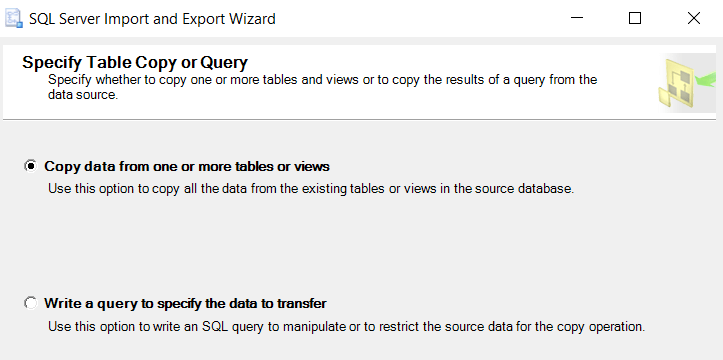
5. Select/edit data ready to import
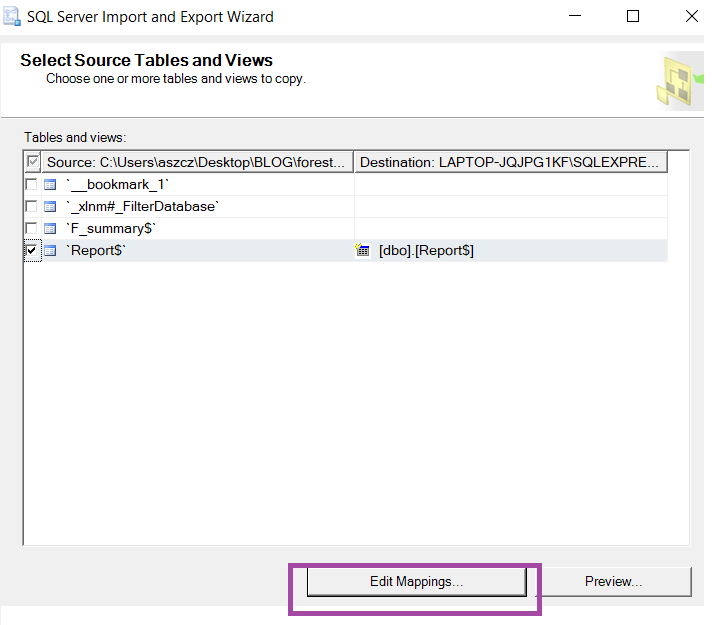
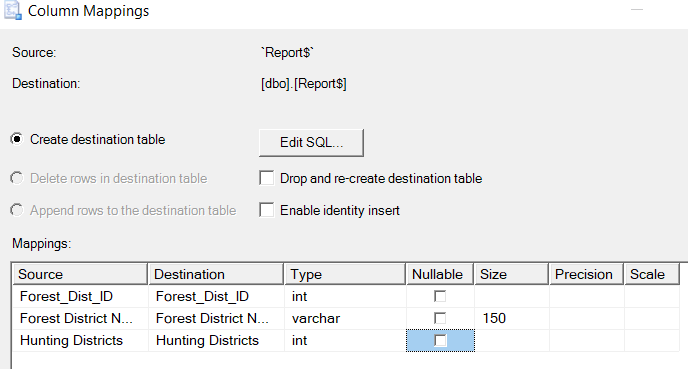
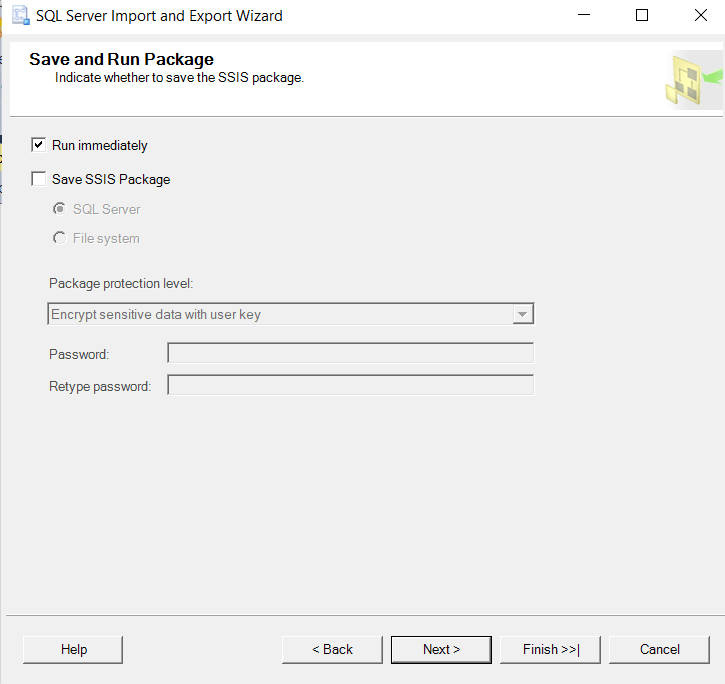
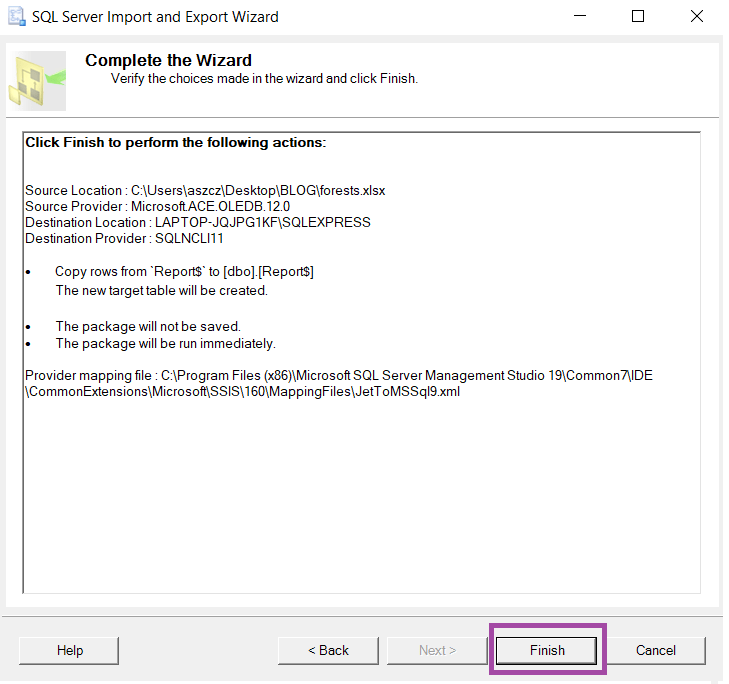
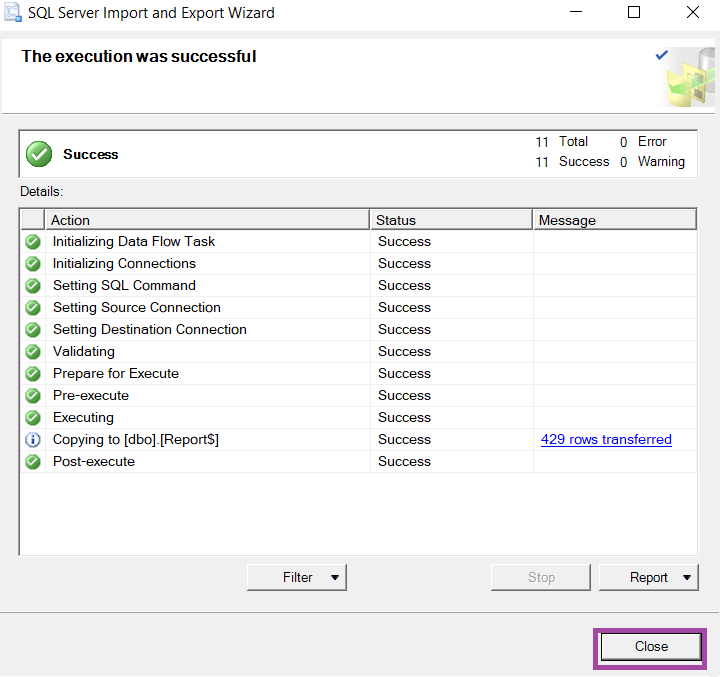
6.Confirmation and final import steps
EXPORT
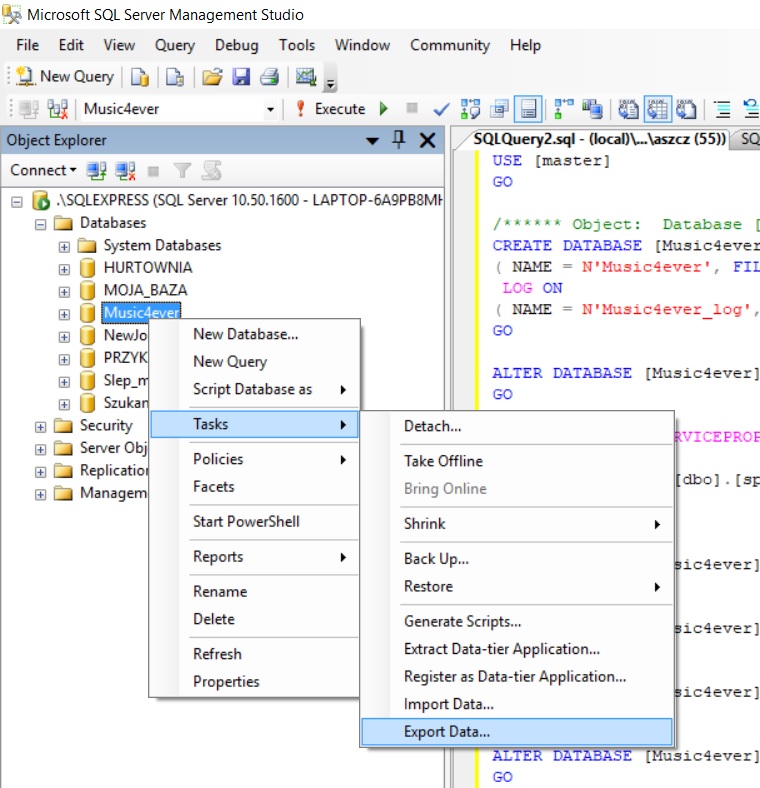
1. First step is the same: click on database, choose tasks, but this time Export Data instead of Import.
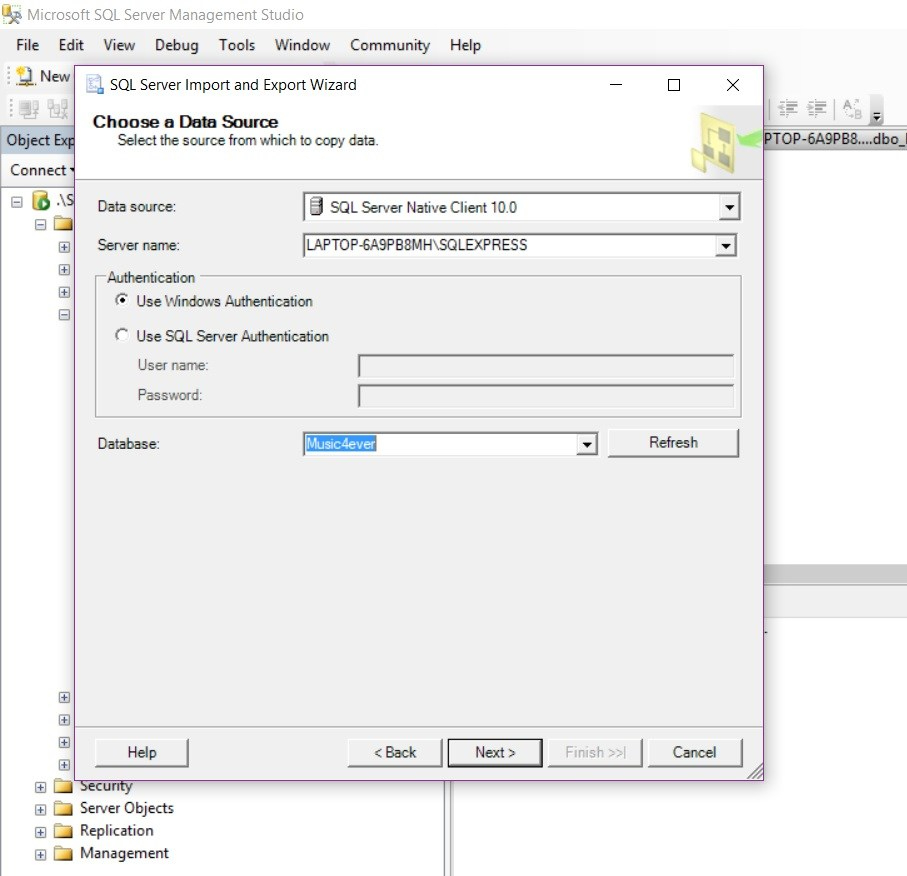
2. Then we need to choose data source, this time it will be our SQL Server, so the program that is currently in use.
3. And our destination file (might be prepared earlier): NameOfExcelFile.xls

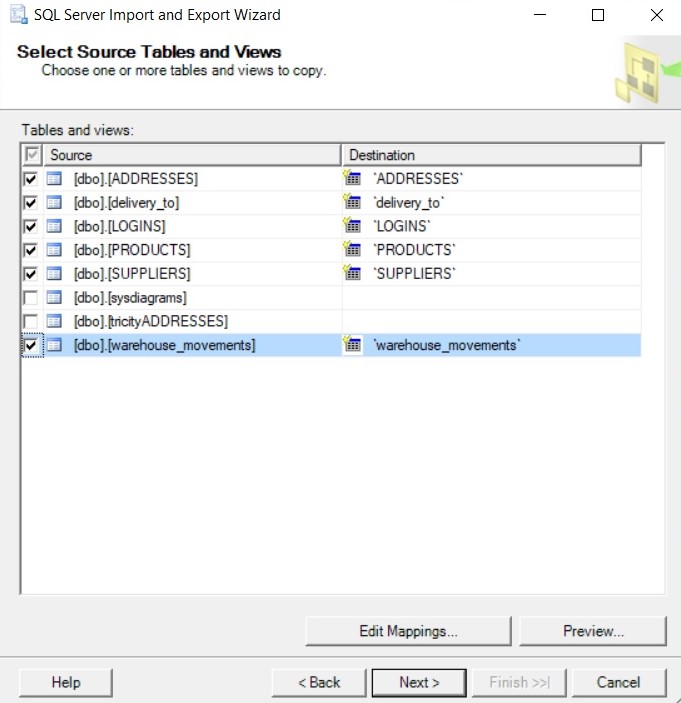
4. In next step we can choose tables we want to export into Excel file. Names of tables will be switched into names of Sheets in Excel.
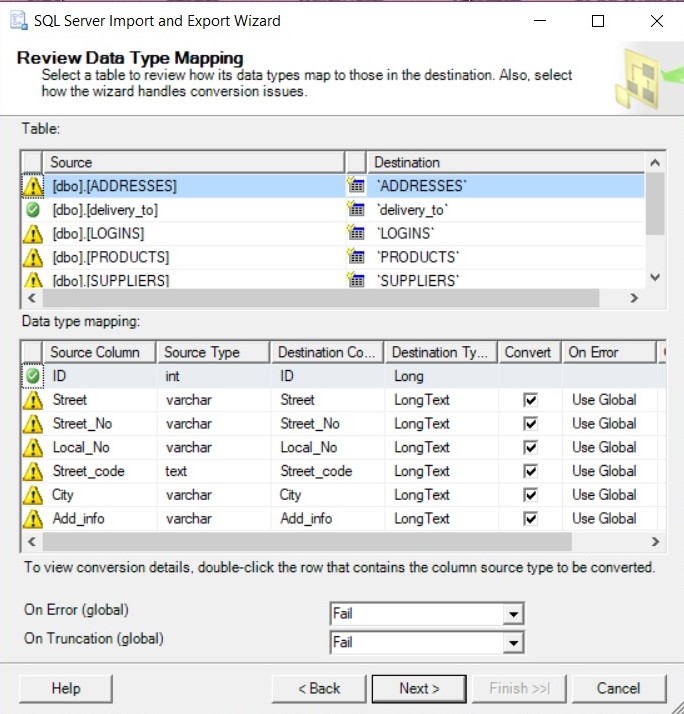
5. SQL will show us information about data types fails, but there’s no need to make any modifications, just click next.
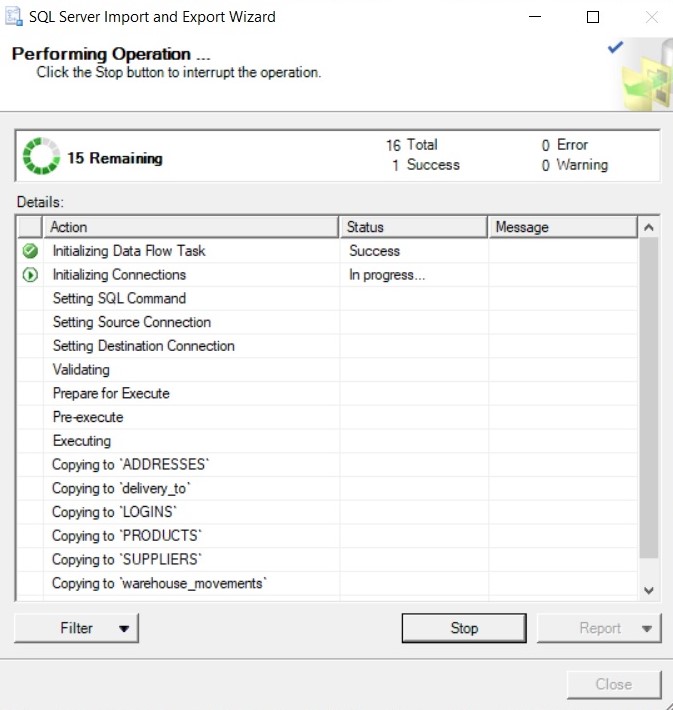
6. Last dialog box looks exactly as for import, doesn’t it?:) just wait patiently, till operation will be over and check your Excel file, that’s it.
 Heart4DataScience