NumPy – programming language library, written partially in Python, but most of the parts that require fast computation are written in C or C++. Adding support for large, multi-dimensional arrays and matrices, along with a large collection of high-level mathematical functions to operate on these arrays. Arrays are stored at one continuous place in memory unlike lists, so processes can access and manipulate them very efficiently. NumPy is open-source software and has many contributors.
Lib Install
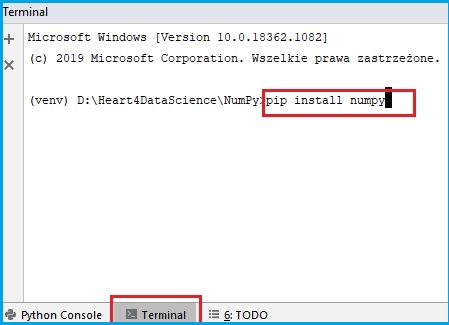
to install numpy we need to go to terminal in our project (on the bottom list we should have : Python Console, Terminal, TODO, clik on Teminal option) and write a simple line of code: pip install numpy
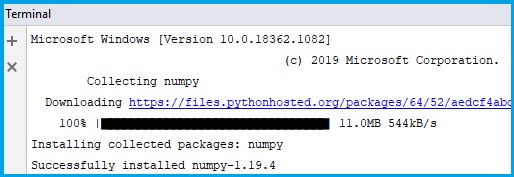
After installation is complited, we can turn back to the project, open file and start use library by adding this simple command above:
import numpy
Intro Example #1
We can also give a short name to the lib, so we can easily use it elements:
import numpy as np
vec = np.array([1, 2, 3, 4, 5])
print(vec)
Checking version
print(np.__version__)
Intro Example #2
dimens = np.array([[1, 2, 3], [4, 5, 6]])
print(dimens)
 Heart4DataScience