Time to reflect

DSC_6038kk.jpg

Well, Autumn is getting deeper, nights are longer, days – shorter. Try to run away from depression, if you’re not resistant. I love October, cause this month might give us lot of beautiful, colorful views and landscapes. But this year I decided to do something else for myself and… I chose postgraduate studies 🙂 Also end of October and 1st of November are this specific time, when we can slow down a little, think about our relatives, close friends and people, that are gone. Not only cause they are already “on the other side”, but also if somehow they’re not a part of our life anymore.

Today I will present not much new in VBA, besides adding background into Excel Worksheet and saving it as Web Side. And please… don’t waste your time on thinking about this post too much. Just copy prepared code from this note:

Halloween_Quote2019_VBAcode

and find out if result is similar to below screenshot.

H2.jpg

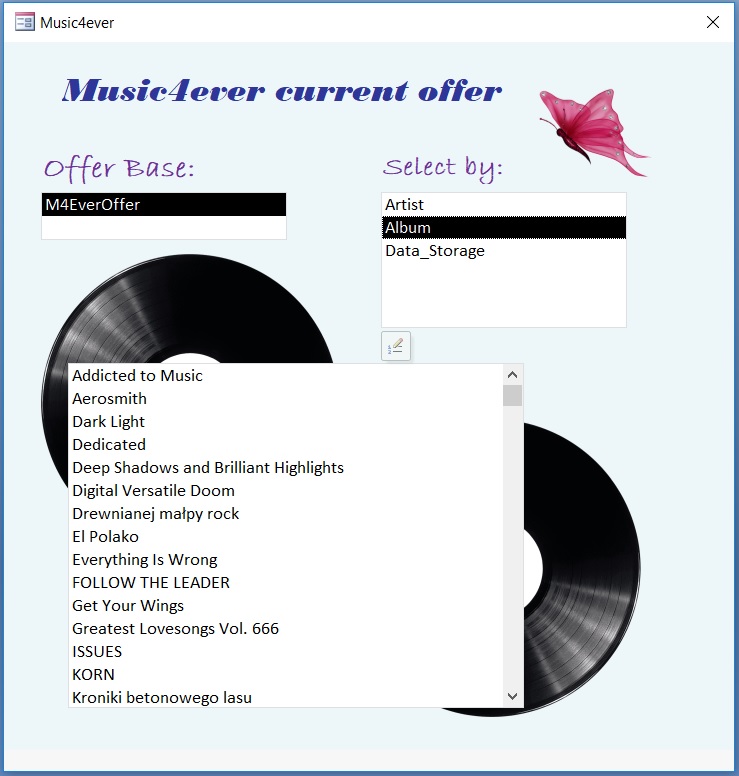
Selecting table values

form foto

There is a way based on inception to select tables, fields and values inside via created form and VBA code. What we need is actually at least one table in our database and some records of course.

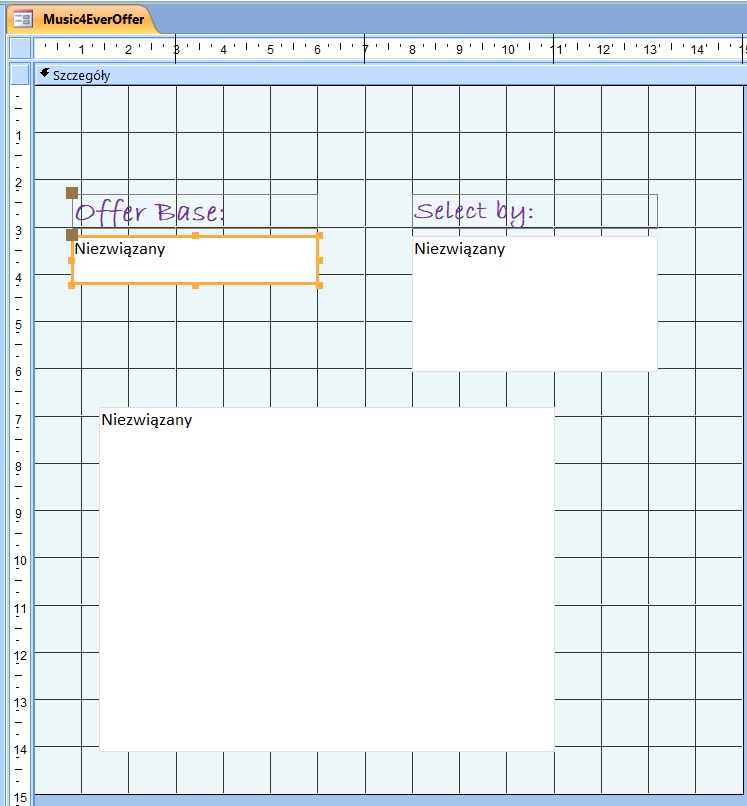
Go to create –> forms –> form project. Choose list box, copy twice and customize each of them.

For all list boxes we need to write a code what gonna happen after we click on each one:

Bez tytułu.jpg
Private Sub Form_Load()
Me.Caption = Title
etTitle.Caption = Version
TblValuesLoad
End Sub

'tables load
Sub TblValuesLoad()
Dim db As DAO.Database
Dim tbl As DAO.TableDef
Dim NameOfTable As String
TblList.RowSourceType = "Value List"
TblList.RowSource = ""
Set db = CurrentDb
For Each tbl In db.TableDefs
NameOfTable = tbl.Name
If NameOfTable = "M4EverOffer" Then TblList.AddItem NameOfTable
Next
Set db = Nothing
End Sub

'fields load
Private Sub TblList_Click()
FldListLoad
End Sub

Sub FldListLoad()
Dim db As DAO.Database
Dim tbl As DAO.TableDef
Dim NameOfTable As String
Dim pol As DAO.Field
FldList.RowSourceType = "Value List"
FldList.RowSource = ""
Set db = CurrentDb
NameOfTable = TblList.Value
Set tbl = db.TableDefs(NameOfTable)
For Each pol In tbl.Fields
If pol.Name <> "Identyfikator" Then FldList.AddItem pol.Name
Next
FldList.Value = ""
ValueList.RowSource = ""
End Sub
'values
Private Sub FldList_Click()
ValueList.RowSource = "SELECT DISTINCT " & FldList.Value & " FROM " & TblList.Value
End Sub

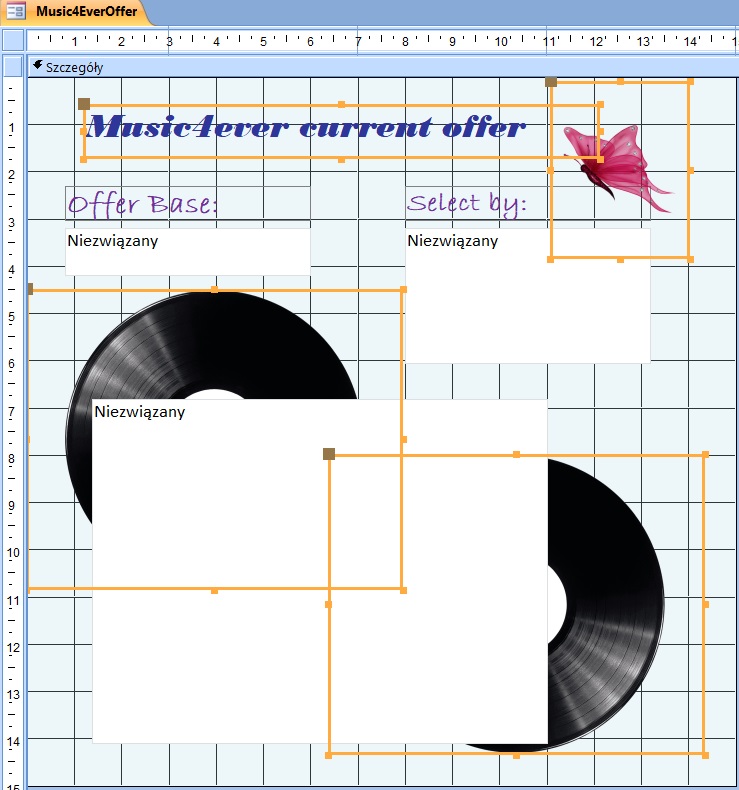
We can add an title using text box


Public Const Version As String = "Music4ever current offer"
Public Const Title As String = "Music4ever"

and some pictures behind:

Bez tytułu2.jpg