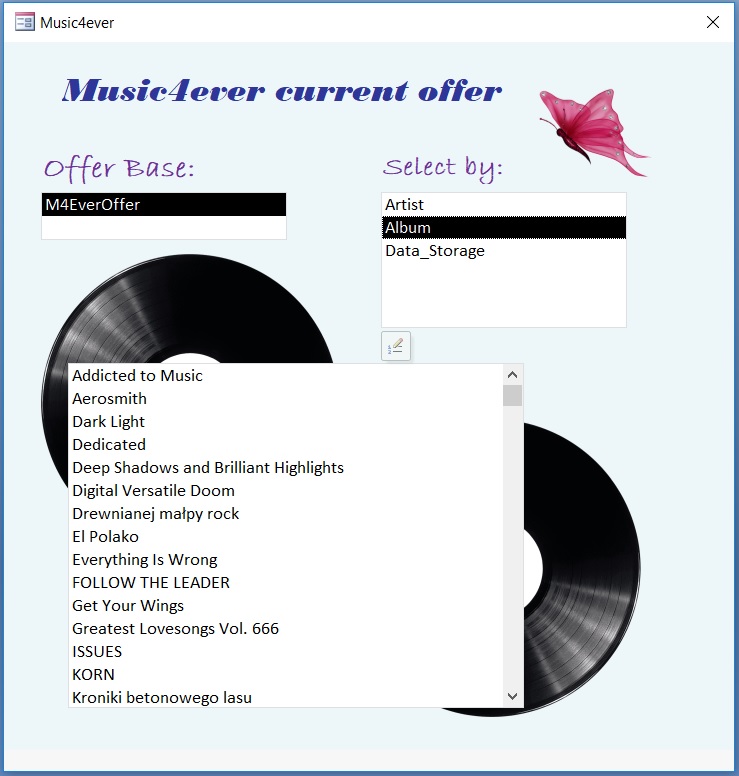
There is a way based on inception to select tables, fields and values inside via created form and VBA code. What we need is actually at least one table in our database and some records of course.
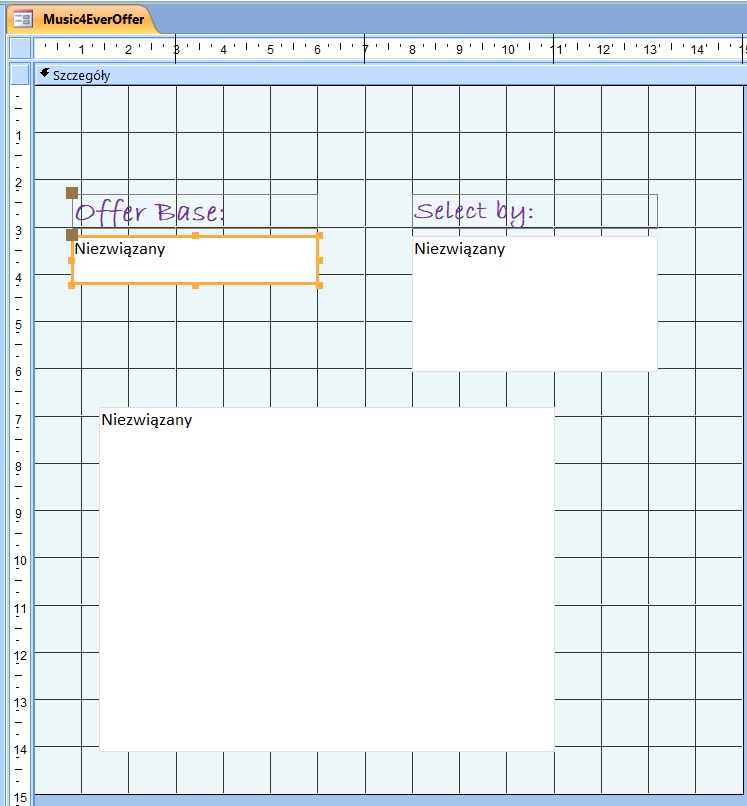
Go to create –> forms –> form project. Choose list box, copy twice and customize each of them.
For all list boxes we need to write a code what gonna happen after we click on each one:
Private Sub Form_Load()
Me.Caption = Title
etTitle.Caption = Version
TblValuesLoad
End Sub

'tables load
Sub TblValuesLoad()
Dim db As DAO.Database
Dim tbl As DAO.TableDef
Dim NameOfTable As String
TblList.RowSourceType = "Value List"
TblList.RowSource = ""
Set db = CurrentDb
For Each tbl In db.TableDefs
NameOfTable = tbl.Name
If NameOfTable = "M4EverOffer" Then TblList.AddItem NameOfTable
Next
Set db = Nothing
End Sub

'fields load
Private Sub TblList_Click()
FldListLoad
End Sub

Sub FldListLoad()
Dim db As DAO.Database
Dim tbl As DAO.TableDef
Dim NameOfTable As String
Dim pol As DAO.Field
FldList.RowSourceType = "Value List"
FldList.RowSource = ""
Set db = CurrentDb
NameOfTable = TblList.Value
Set tbl = db.TableDefs(NameOfTable)
For Each pol In tbl.Fields
If pol.Name <> "Identyfikator" Then FldList.AddItem pol.Name
Next
FldList.Value = ""
ValueList.RowSource = ""
End Sub
'values
Private Sub FldList_Click()
ValueList.RowSource = "SELECT DISTINCT " & FldList.Value & " FROM " & TblList.Value
End Sub
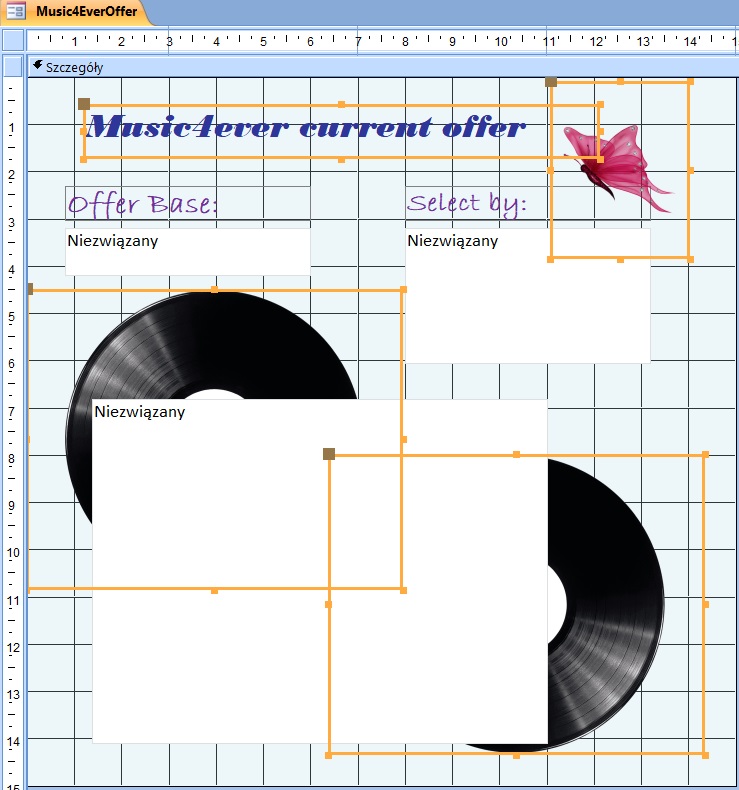
We can add an title using text box
Public Const Version As String = "Music4ever current offer"
Public Const Title As String = "Music4ever"
and some pictures behind:
 Heart4DataScience