
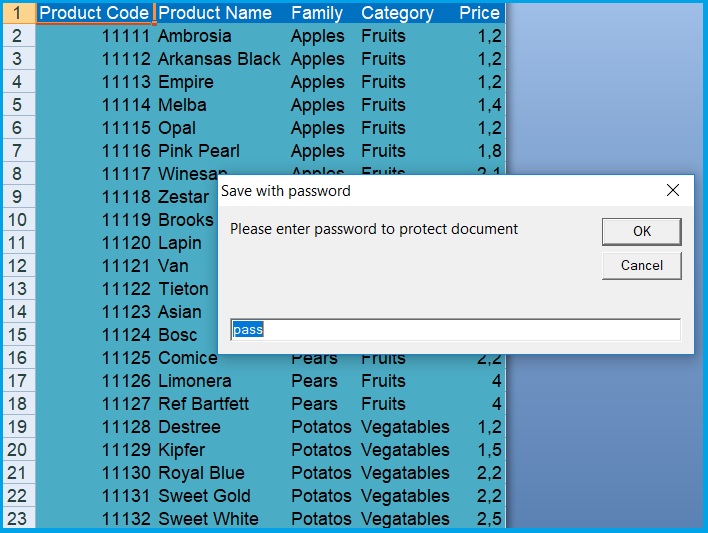
Let’s say: we have our macro almost completed, all we need to do at the end is customize our worksheet and save the file properly, with password required at next opening.
We can record some part of the code and use options descirbed already here.
This little sample might be useful for you. You can develop following code by adding color for worksheet, hide formula bar, save copy wiht other format etc.
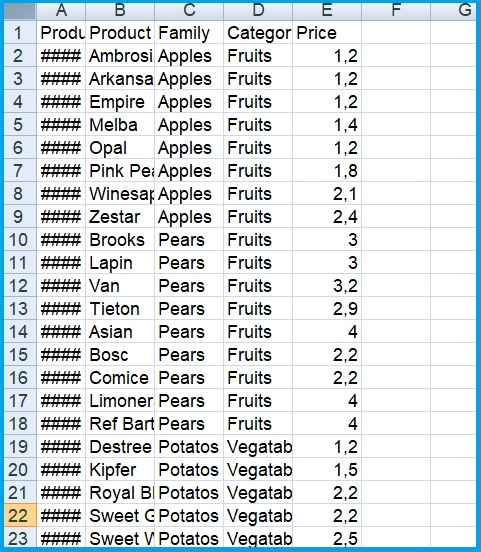
Example of report close ready to generate
Code ( You can copy below presented code, if you want to: LastSteps&Saving )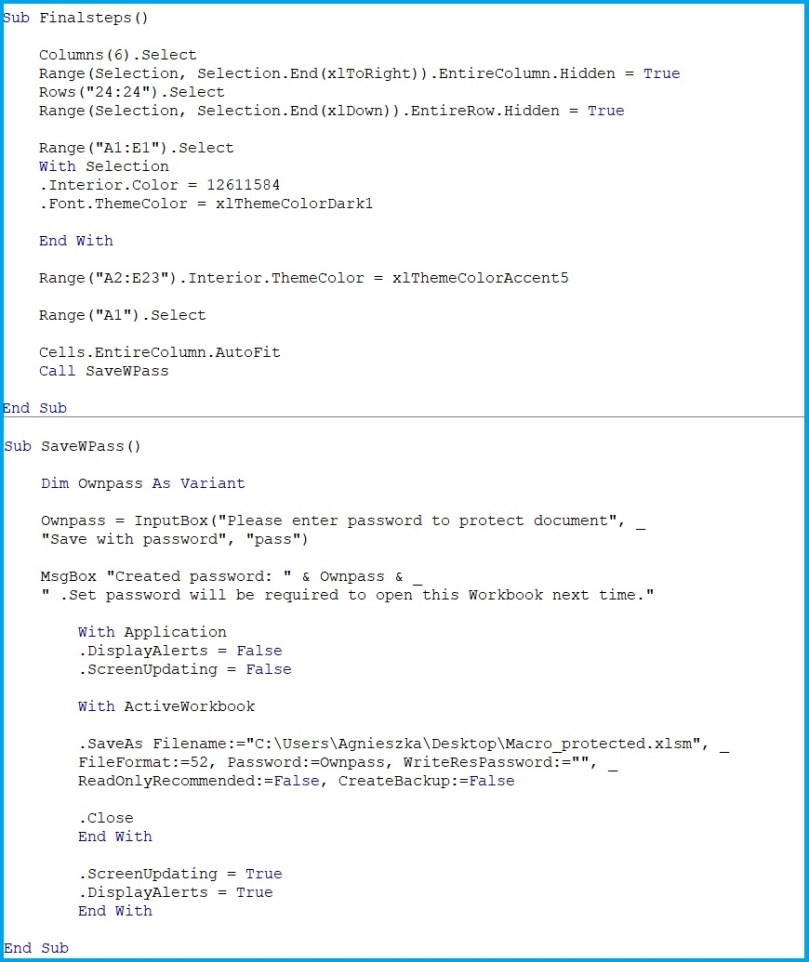
 Heart4DataScience