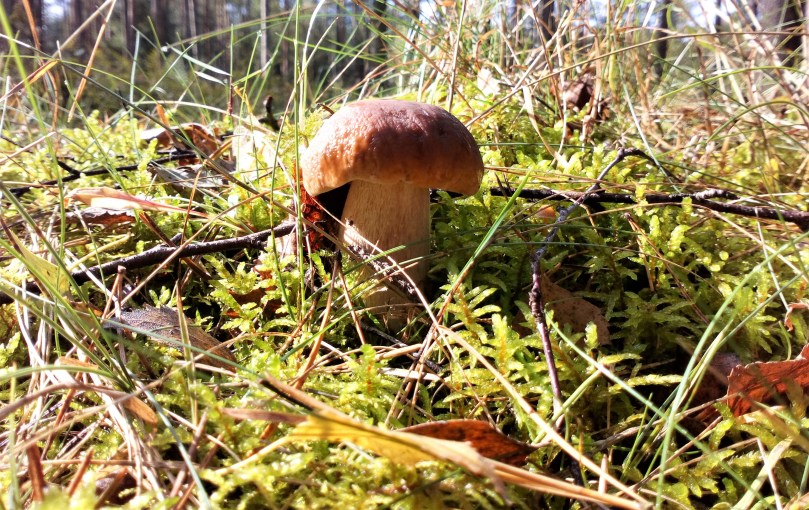
From few weeks we have in whole country mushroom fever. No one expected such a mass of funguses, especially spill of boletus. So, nowdays I spend lot of time in the forest, for hours, with my family. And yes, I’ve seen lot of wilds, mostly deers. But it’s really hard to bend over your find and take a photo of beautiful proud bull with majestic antler at the same time 🙂 Anyway , if you are also type of threatened mushroom picker, be carefull, and whatch your steps, cause mother-in-law is always follow ^^.
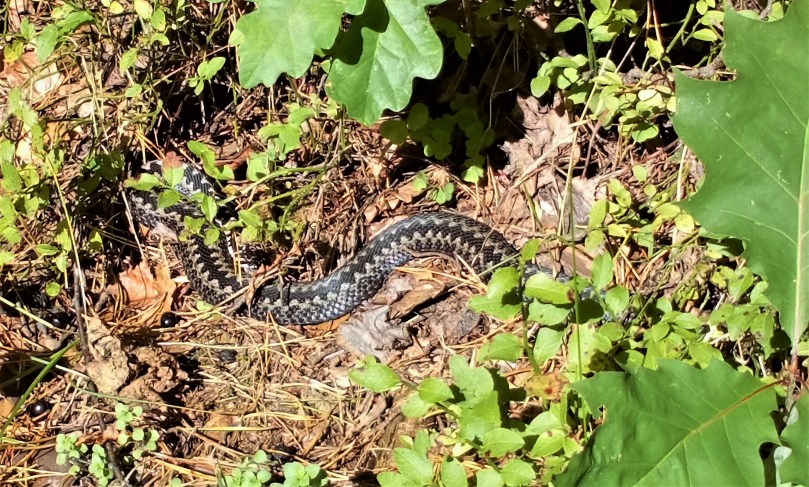
With my latest post about importing Excel files into MS Access using VBA codes we already met simple examples of DoCommands. Time to get some other most useful methods for our project objects: tables, forms, querries and modules.
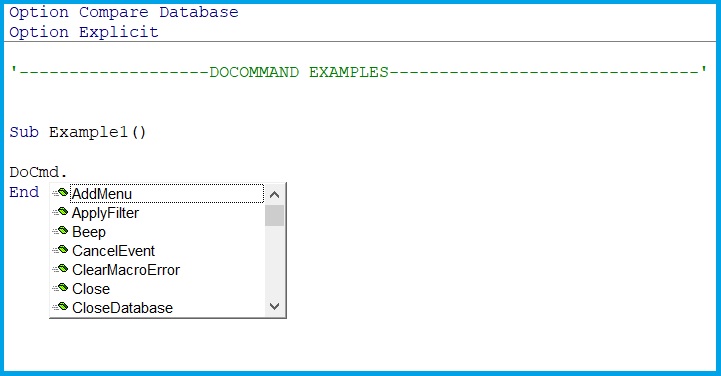
if only we will start writing DoCmd. built-in-library show us basic methods from the quicklist:
With following short procedures you can easily get knowdledge how to open, close and delete obejcts form code side.
Let’s make a copy first
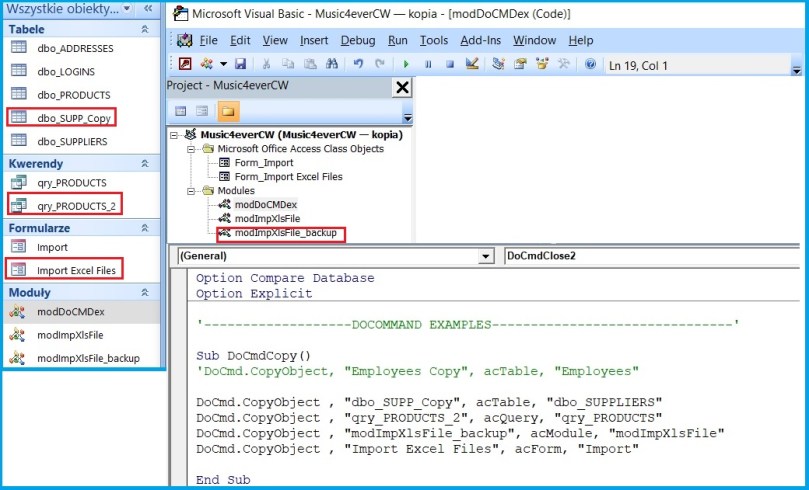
and then open it in different ways
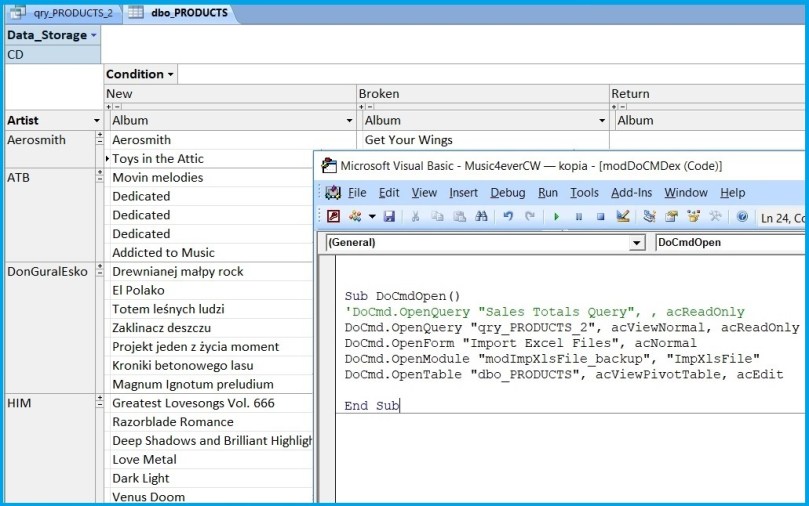
As you can see for table I choosed pivot view.
Time to close our copies, delete them and quit whole application after.
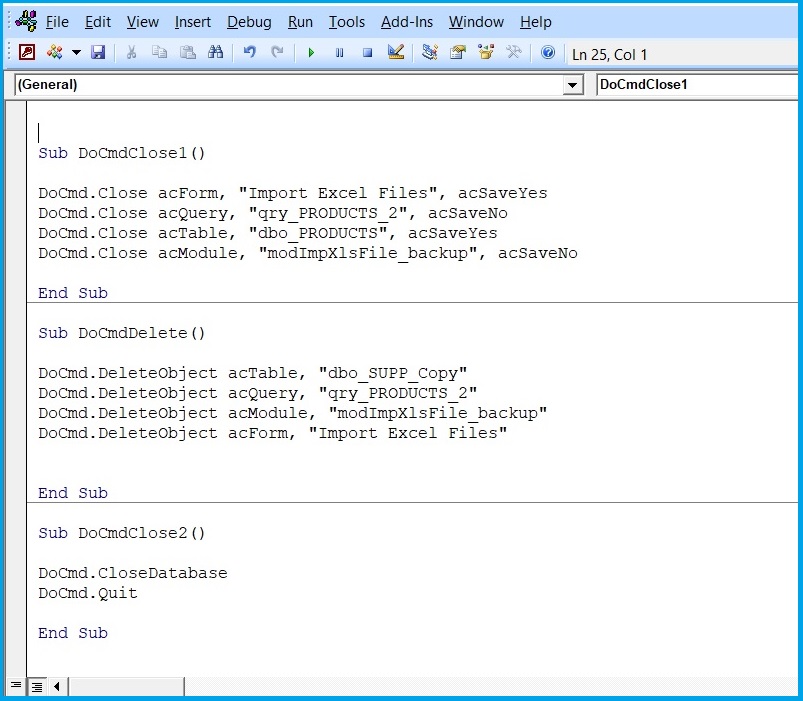
for more DoCMD methods visit docs.microsoft.com. Enjoy!
 Heart4DataScience