Hello Everyone,
only two days left for long may weekend in Poland, so highest time to show you something new. And I am not talking only about this beautiful Moose mother with her child on the pic above, which I met few days ago, after 6 months from last meeting 🙂
Today I will focus on examples of sending email via VBA.
If you already have Outlook account, you can directly go to Excel or Acces file and insert new module for our code*.
In Excel I created a simple form with only two bottons to select:
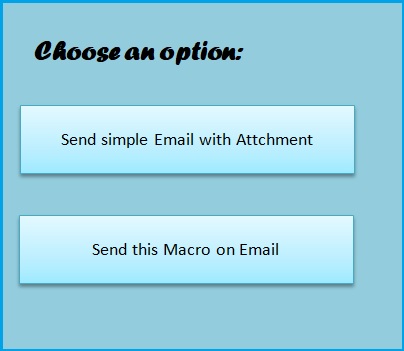
Then went to Visual Basic – Insert – New Module and wrote this two simple procedures.
Sub VBAMailOutlook()
Dim OutProg As Object
Dim OutMail As Object

Set OutProg = CreateObject("Outlook.Application")
Set OutMail = OutProg.CreateItem(0)

With OutMail
.To = "myEmailAccount@gmail.com"
.CC = "OtherEmailAccount@tlen.pl"
.BCC = ""
.Subject = "Test"
.ReadReceiptRequested = False
.OriginatorDeliveryReportRequested = False
.Body = "Hi!. This email was prepared only for testing phase" & _
vbCrLf & _
"Try by yourself" & vbCrLf & _
"regards. Agnes "
.Attachments.Add ("C:\Users\Agnieszka\Desktop\ksiazka.txt")
.Send
End With

Set OutProg = Nothing
Set OutMail = Nothing

End Sub
Sub SendingVBA()
Call ThisWorkbook.SendMail("myEmailAccount@gmail.com", _
"Current Macro", True)
End Sub
That I assigned two the bottons:
- 1st botton “Send simple Email with Attchment” – VBAMailOutlook
- 2nd botton “Send this Macro on Email” – SendingVBA
a result on my email:
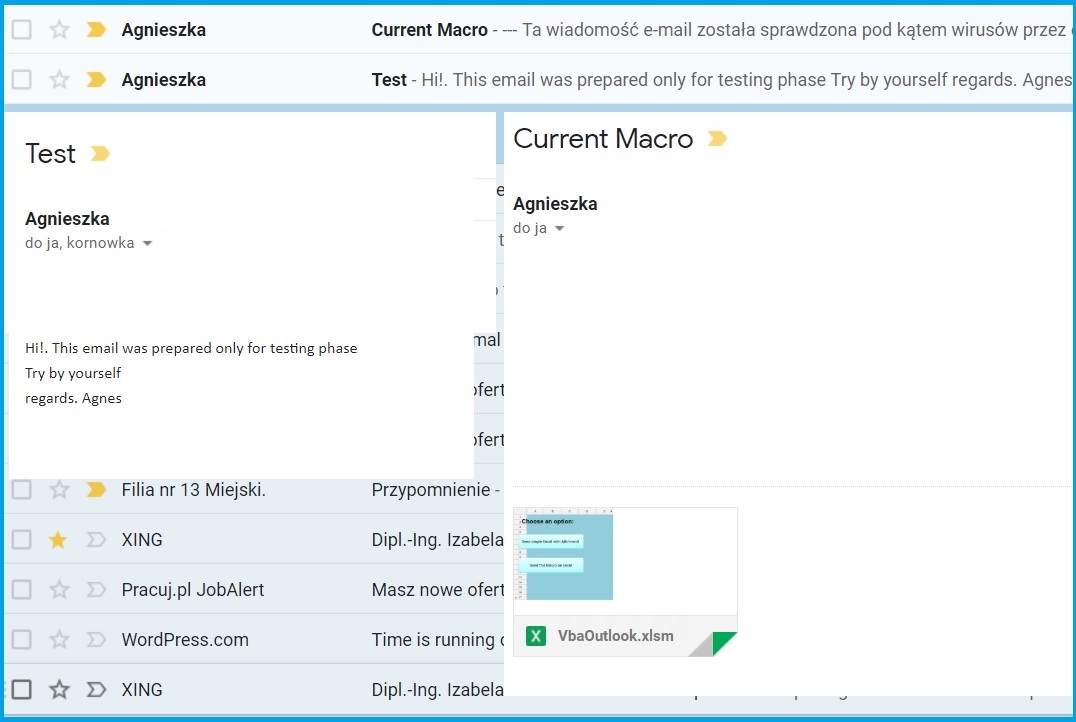
*If you never done it before, but still have Outlook in your MS Office Service Pack, open it and follow the step by adding your exisitng email account.All you need to do is write your Name Surname and current email acount (f.e. NameSurname@gmail.com and Outlook will aututomatically import all your emails and contacts from this account based on POP3 client. It should take only few mins.
 Heart4DataScience